
Copy a Backblaze B2 bucket to another bucket, or another account
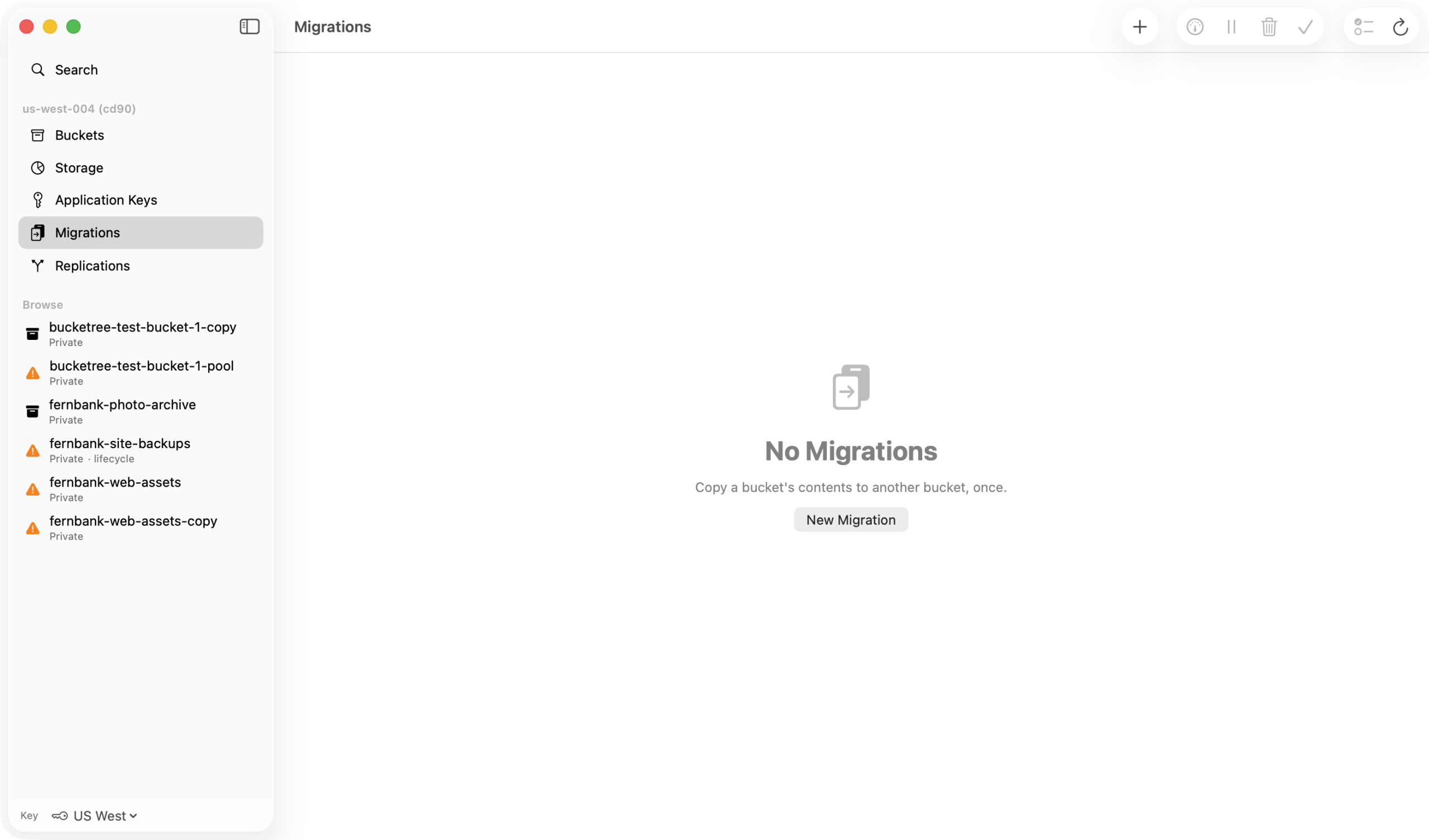
Backblaze can copy a bucket into another bucket, in this account or another one, on its own servers, without a byte passing through your Mac. Bucketree sets that up in six steps, counts what will copy and what will not before anything runs, and tells you when it has finished.
Thirty days free, then $25 a year.
Any bucket to any bucket.
Copy into an existing bucket or a new one, in this account or any account Bucketree holds a key for. A whole bucket, or one folder, which the console cannot select.
The keys are made for you.
The job needs two ordinary keys, one that reads the source and one that writes the destination. Bucketree makes both when the job starts, shows them for approval first, and deletes them when the job is removed.
A scan before a single file moves.
What Backblaze will not copy is listed with counts from your own bucket: files already hidden and their hide markers, unfinished large uploads, files encrypted with your own key, file information over 2,048 bytes. Every version of each file is copied, older versions included, so the destination costs what the source costs.
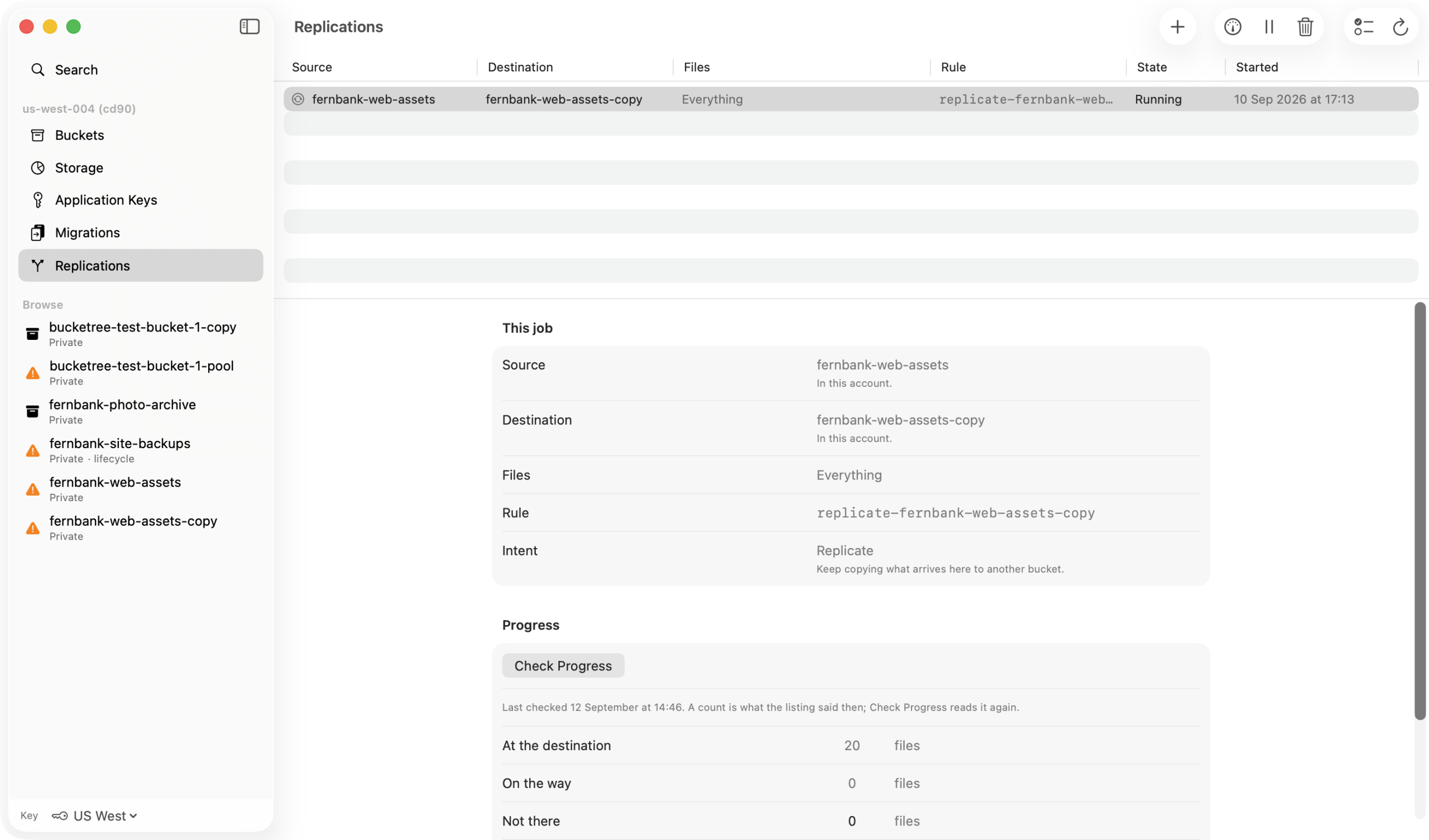
Check Progress, then Finish.
The counts are files: arrived, on the way, not there, not yet looked at. When everything has arrived the job says Ready to finish and Bucketree removes the rule and its keys, because to Backblaze a migration is a replication until somebody takes it down.
How it copies
A file already in the bucket waits for Backblaze’s overnight sweep, so a job started this afternoon shows nothing moving until tomorrow morning; a file uploaded after the job starts is copied within minutes. A brand new account cannot run one until it has paid Backblaze something, and Backblaze says so only when you start; the console has a one-time fee that is credited back. A file that fails is never tried again by Backblaze and it does not say why; the only fix is a new version. The trial scans but does not execute.