
Keep a Backblaze B2 bucket replicated, and know exactly what is copied
Replication keeps copying what arrives in a bucket to another bucket, for as long as the rule stands. Bucketree sets it up from the bucket or from its own pane, makes the two keys the job needs, and says before it starts exactly what Backblaze will and will not copy.
Thirty days free, then $25 a year.
Six steps from either end.
From a bucket, choose Replicate or Migrate. From the Replications pane, press plus and choose the bucket. Whole bucket or one folder; files already there or only what arrives from now on.
Every count, before you press Continue.
Backblaze does not replicate files already hidden, hide markers, unfinished uploads, files encrypted with your own key, or file information over 2,048 bytes. Bucketree counts each in your bucket and shows the counts before Continue.
Every version, older ones included.
A rule copies every version of each name in scope, so the destination holds what the source holds and costs what it costs. The wizard says so.
Deletes that know they are in a copy.
Delete in a destination bucket and Bucketree says the file will not be sent again. A copy deleted at the source stays at the destination, because Backblaze does not replicate deletes or hides, and the sheet says that too.
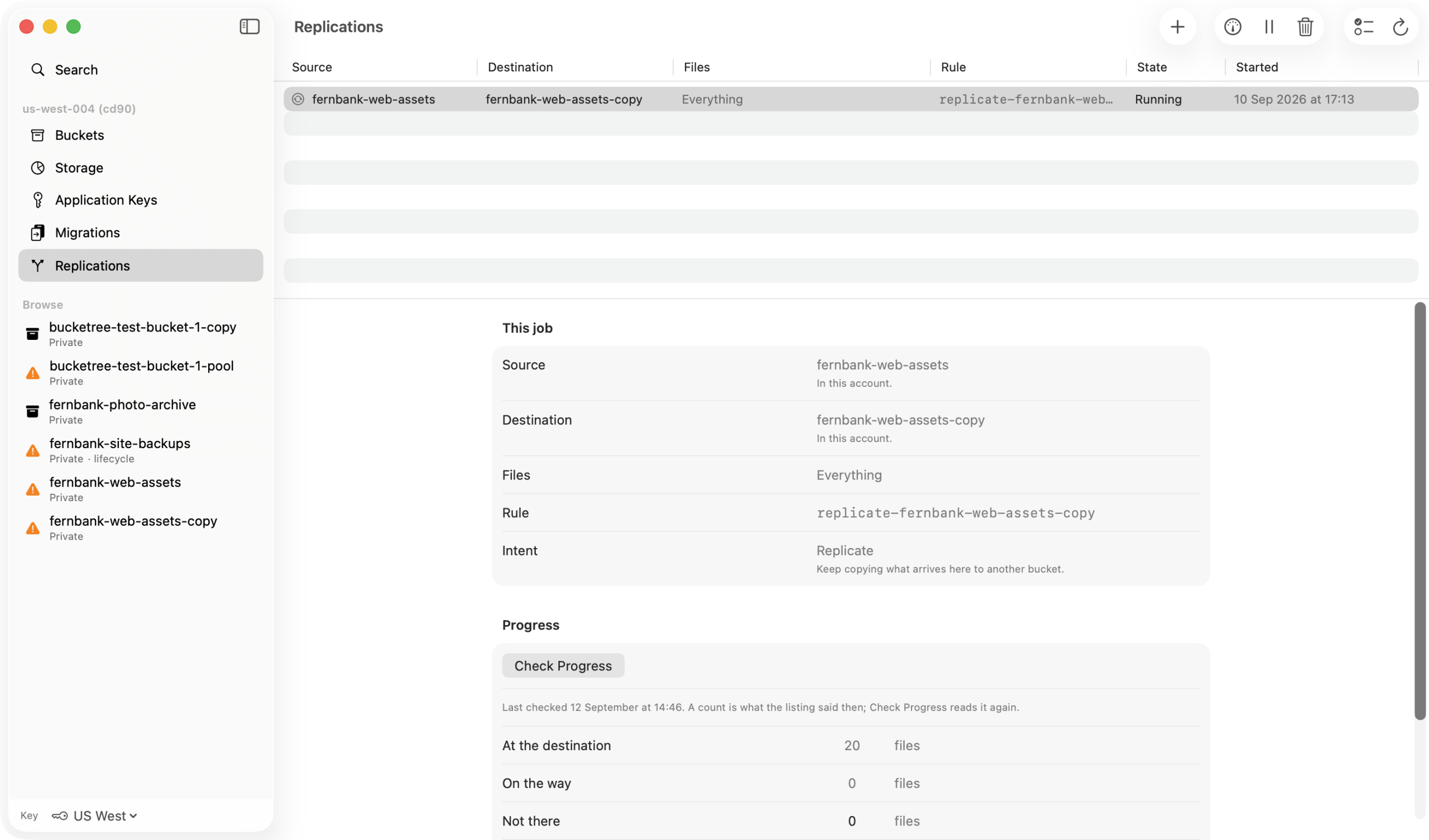
How replication behaves
The copying is Backblaze’s, identical to setting the rule in the console; what differs is that you are told. A failed file is never retried and Backblaze does not say why; a new version is the fix. A brand new account must have paid Backblaze once. Counts are what the listing said when you asked; press Check Progress again or switch on the fifteen-minute repeat.